
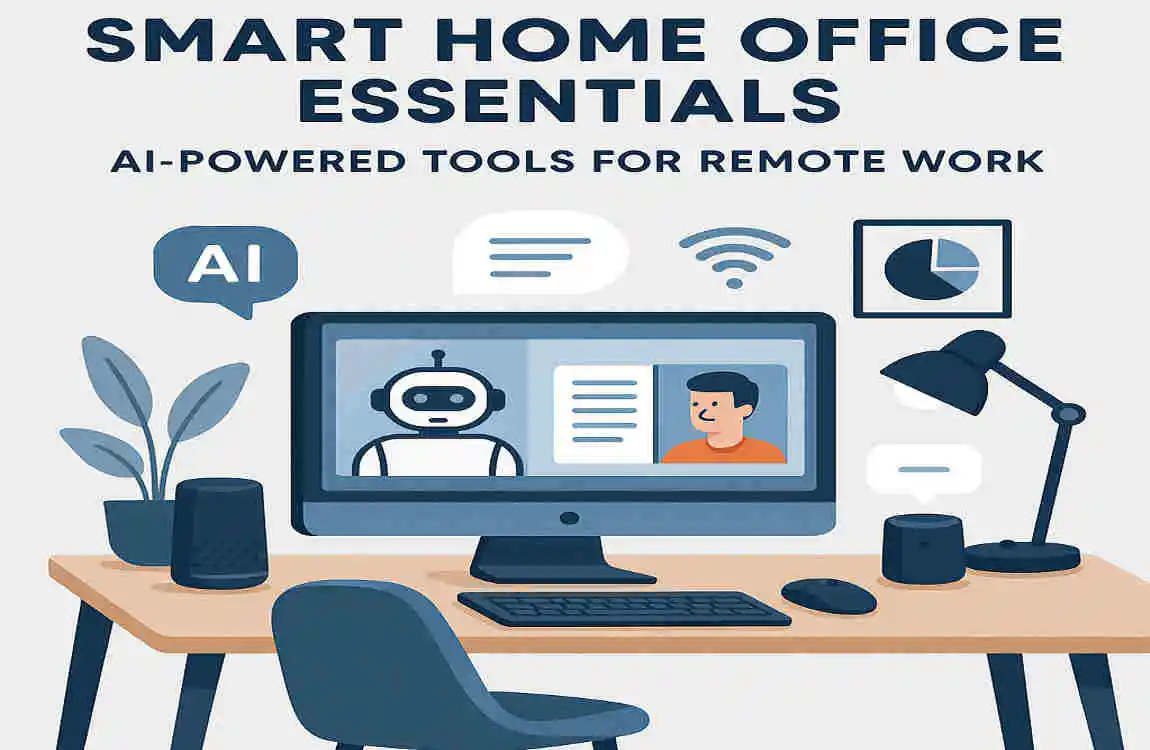
Imagine turning your cluttered spare room into a sleek, efficient workspace that anticipates your needs, adjusts the lighting to match your mood, and even reminds you to take a break before burnout hits. That’s the magic of a smart home office—a game-changer for remote workers in 2026. With remote work now making up about 40% of the global workforce, according to recent studies, more people are ditching traditional offices for home setups that blend comfort with cutting-edge tech.
But what exactly is a smart home office? It’s more than just a desk and a laptop; it’s an ergonomic, tech-driven space powered by artificial intelligence (AI) that handles everything from scheduling meetings to optimising your posture. AI tools integrate seamlessly to boost productivity, making your workday smoother and more efficient. Think of it as having a personal assistant built right into your home.
Why does this matter to you? Well, if you’re like millions of remote professionals juggling deadlines, video calls, and family life, a smart home office can deliver up to 30% gains in productivity. It reduces distractions, enhances focus, and promotes wellness—all without leaving your house.
Essential Hardware for Smart Home Offices
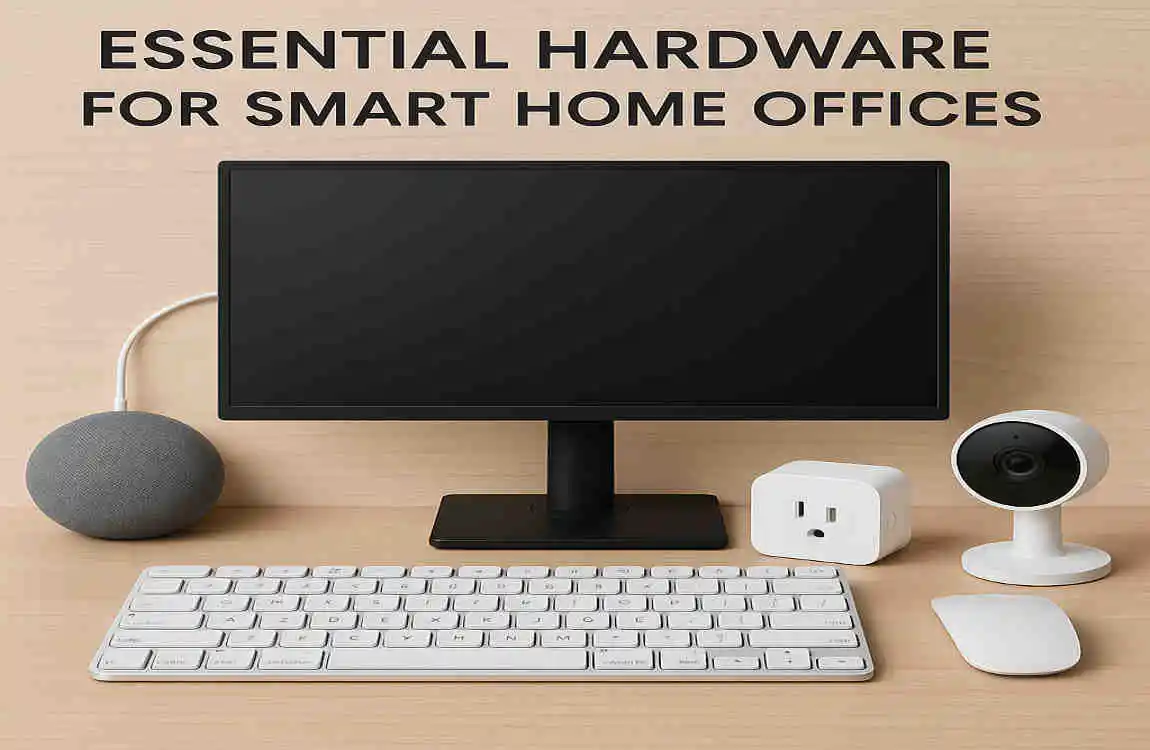
Setting up a smart home office starts with the proper hardware. These aren’t your average gadgets; they’re AI-powered tools that learn from you and adapt to make remote work a breeze. Let’s explore the must-haves that form the foundation of your setup.
AI-Enabled Desk and Chair: Your Workspace Foundation
Picture this: a desk that remembers your perfect height and gently nudges you to stand up after sitting too long. That’s what AI-enabled standing desks like the Fully Jarvis offer. These desks use built-in sensors and AI to learn your posture habits over time. They adjust automatically based on your daily routine, helping you avoid back pain from long hours of remote work.
Ergonomic chairs take it further. Models with embedded sensors detect when you’re slouching or getting fatigued. They send alerts to your phone or computer, prompting you to shift positions. This isn’t just fancy tech—it’s practical for maintaining energy during marathon work sessions. If you’re building a smart home office, start here. These pieces integrate with other AI tools, creating a cohesive environment that supports your health and efficiency.
Why invest in this? Simple: Poor ergonomics can kill productivity. With AI handling the adjustments, you focus on your tasks, not on discomfort. Many users report feeling more alert and less strained after switching to these setups.
Bright Lighting and Displays: Illuminating Your Productivity
Lighting plays a massive role in how well you work. Enter innovative lighting systems, such as Philips Hue bulbs. These AI-driven lights auto-adjust based on the time of day or your workload. They sync with your circadian rhythm—the body’s natural clock—to mimic natural sunlight, keeping you energised in the morning and helping you wind down in the evening.
Pair that with high-quality displays. A 4K monitor like the Dell UltraSharp uses AI to reduce eye strain by optimising brightness and blue-light filtering. It even detects when you’re staring too long and suggests breaks. In a smart home office, these tools ensure your eyes stay fresh during endless video calls or document reviews.
Don’t overlook how these integrate with voice commands. Say “Hey, brighten up for focus Mode,” and your setup responds instantly. This seamless blend of light and screen tech turns your remote workspace into a haven for concentration.
Audio Essentials: Crystal-Clear Communication
Remote work thrives on clear communication, and that’s where Audio gadgets shine. Noise-cancelling microphones like the Logitech Yeti use AI to blur out background noise—perfect if kids or pets are around. The AI optimises your voice in real time, making you sound professional on calls.
Smart speakers, such as the Amazon Echo, act as your voice-activated helper. They handle reminders, play focus music, or even control other devices in your smart home office. Imagine dictating notes hands-free while typing—it’s a productivity booster for multitaskers.
These tools aren’t isolated; they connect to your broader setup, ensuring every meeting runs smoothly. If Audio glitches have plagued your remote days, upgrading here will make a world of difference.
To help you choose, here’s a quick comparison table of these essential tools:
ToolKey AI FeaturePrice RangeBest For
Thorough Jarvis Desk Posture learning and auto-adjustment for $500-800 for daily remote workers.
Philips Hue Circadian rhythm sync $100-200 Focus enhancement
Logitech Yeti Voice optimisation and noise blur $150 Video calls
This table shows how each piece fits into your budget and needs. Pick based on what frustrates you most in your current setup—whether it’s posture, lighting, or sound quality.
Top AI Software for Productivity
Hardware sets the stage, but software is the star of your smart home office. These AI tools handle the grunt work, freeing you to focus on what matters. From scheduling to content creation, they transform routine tasks into effortless processes. Let’s break it down.
Scheduling and Task AI: Mastering Your Time
Ever feel overwhelmed by your calendar? AI scheduling tools like Motion or Reclaim.ai step in to help. They auto-schedule meetings, block out deep-focus time, and even reschedule based on your energy levels. Integrating with tools like Google Calendar, they learn your preferences and suggest optimal slots.
For remote workers, this means less time juggling emails and more time delivering results. Imagine starting your day with a perfectly organised agenda—AI makes it happen. These tools reduce admin time by up to 50%, according to user reports, letting you reclaim hours for creative work.
Communication Tools: Streamlining Team Interactions
Communication can make or break remote teams. Tools like Otter.ai transcribe meetings in real-time, turning chaotic Zoom calls into searchable notes. It even summarises key points and highlights action items, so nothing slips through the cracks.
Fireflies.ai goes a step further by extracting tasks from conversations and automatically assigning them. In your smart home office, these integrate with email and project apps, ensuring seamless follow-ups. No more “What did we decide?” moments—just efficient collaboration.
Content and Writing Aids: Boosting Your Output
Writing reports or emails? Jasper or Notion AI drafts them for you, using your input to generate polished content. It’s like having a co-writer who never tires. GrammarlyGO provides real-time edits, catching errors and suggesting improvements on the fly.
These aids are gold for content creators or anyone in a writing-heavy role. They speed up the process while maintaining your voice. In a smart home office, pair them with voice-to-text for even faster creation.
Here are some key benefits in bullet form:
- Cut admin time in half by automating repetitive tasks, such as note-taking.
- Enhance collaboration: Turn meetings into actionable insights instantly.
- Boost creativity: Generate ideas quickly without starting from scratch.
- Improve accuracy: Real-time edits ensure professional output every time.
Real-world example: A remote marketer uses Otter.ai to transcribe client calls, then Jasper to draft follow-up emails. The result? More clients served, less time wasted.
Automation and Integration Hubs
Now that you’ve got hardware and software, it’s time to connect them. Automation hubs turn your smart home office into a unified ecosystem, where everything works together like a well-oiled machine. This is where the real magic of AI shines for remote work efficiency.
Smart Hubs: The Brain of Your Setup
Think of smart hubs like Amazon Alexa or Google Nest as the central command centre. They link your lights, desk, speakers, and apps using AI to anticipate needs. For instance, Alexa can dim lights when you start a focused task or play calming music during breaks.
In a smart home office, these hubs learn your routines—say, turning on your monitor at 9 AM—and adapt over time. They’re voice-activated, so you control everything hands-free, keeping your workflow uninterrupted.
Workflow Automators: Connecting the Dots
Tools like Zapier AI or IFTTT create custom automations. Zapier connects Slack to Trello, automatically creating tasks from messages. IFTTT sets triggers, like “If email arrives, notify my smart speaker.”
These make remote work effortless. No more manual copying—AI handles the integrations, saving you clicks and frustration.
Security Must-Haves: Protecting Your Space
Security is crucial in a connected setup. AI cameras like Ring use facial recognition to alert you to intruders. VPNs with threat-detecting AI keep your data safe during remote sessions.
Together, these elements ensure your smart home office is secure and automated.
For easy setup, follow these steps:
- Pair your hub with devices via the app—it’s usually quick and intuitive.
- Set AI rules, like “Dim lights during deep work” or “Alert for low battery on gadgets.”
- Test integrations to ensure reliability—run a few scenarios to iron out kinks.
Optimising Ergonomics and Wellness
A smart home office isn’t just about tech—it’s about you. AI tools now focus on wellness, helping you avoid burnout and stay healthy during long remote days. Let’s see how they enhance ergonomics and overall well-being.
AI Wellness Trackers: Monitoring Your Health
Wearables like the Whoop strap use AI to track sleep, stress, and recovery. It warns you of potential burnout before it hits, suggesting rest days based on data.
DeskTime AI analyses your work patterns and reminds you to take breaks. In your smart home office, these tools promote sustainable habits, keeping you productive without exhaustion.
Air and Focus Enhancers: Creating the Ideal Environment
Air quality matters too. Devices like Dyson Pure Cool use AI to monitor and purify the air, adjusting for humidity or pollutants—great if you’re in a variable climate like Lahore’s.
For focus, apps like Focus@Will deliver music tailored to your brainwaves, boosting concentration by up to 400%. These enhancers make your workspace a wellness zone.
Optimisation tips: Calibrate sensors to your local environment, such as adding humidity controls during dry seasons. This keeps you comfortable and sharp.
Here’s a table showing the ROI of these wellness tools:
AI Tool Health Benefit Integration
Whoop Sleep and burnout alerts Wearable + app
Desk Time Break reminders and pattern analysis Desktop plugin
Dyson Pure Cool Air quality purification Smart home hub
Investing here pays off in fewer sick days and higher energy levels.
Setup Guide: Building Your Smart Home Office
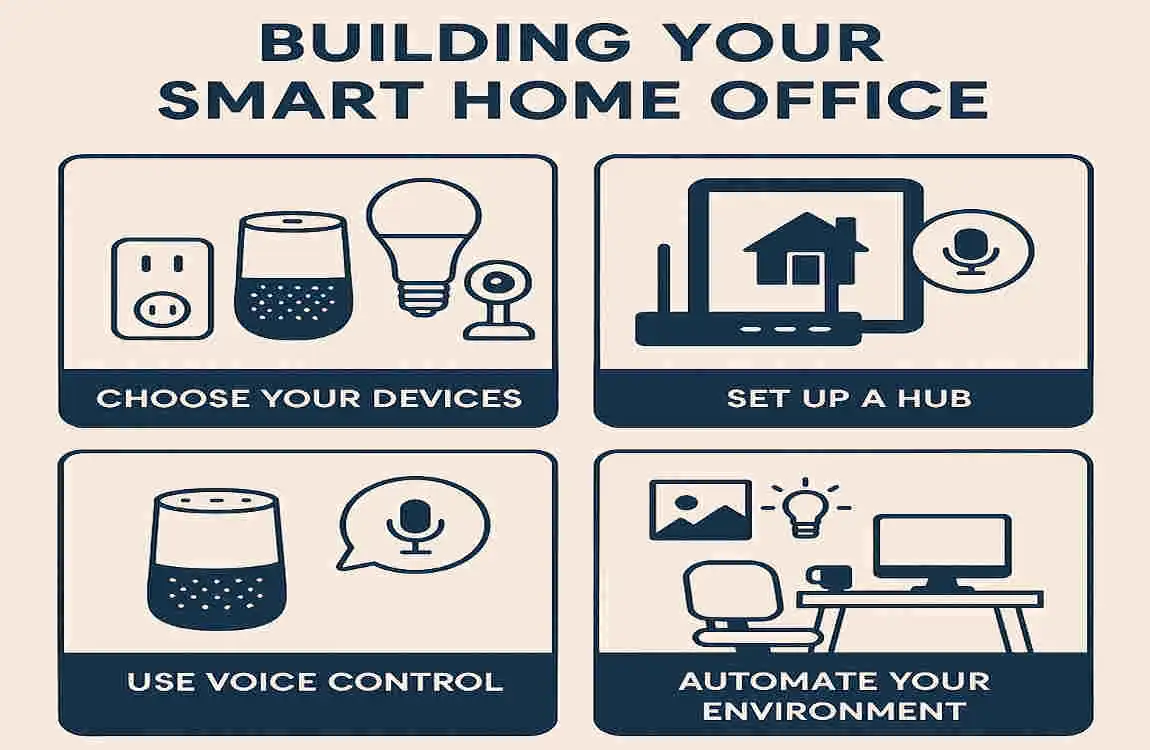
Ready to assemble your smart home office? This step-by-step guide is aimed at beginners, making the process straightforward. We’ll cover assessing your space to measuring success.
Start by evaluating your room and budget. Aim for a starter kit under $1000—include basics like a smart desk and lighting.
Next, install core hardware. This takes 1-2 days: set up the desk, connect the lights, and position the Audiothe gear.
Configure AI software. Follow app tutorials to link everything—it’s user-friendly.
Customise automations, such as scheduling lights or task reminders.
Finally, measure ROI with productivity trackers. Track time saved or focus improvements.
Budget tiers: Basic ($500) for essentials; Pro ($2000) for full integration.
Challenges and Solutions
No setup is perfect. Common pitfalls in a smart home office include AI overload or connectivity hiccups. Privacy worries? Opt for end-to-end encryption in tools.
Costs adding up? Start with free tiers, like basic ChatGPT for writing aids.
Over-reliance on AI? Balance with human oversight—use it as a helper, not a crutch. These fixes keep things smooth.
