
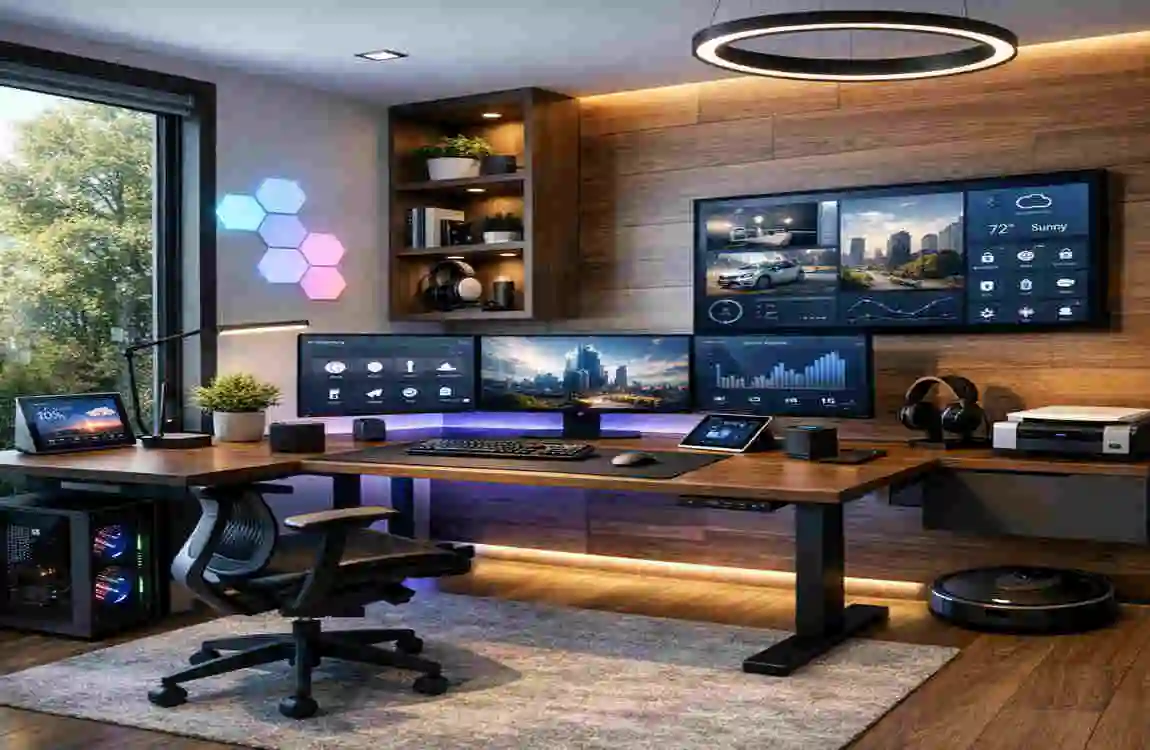
Have you ever sat down at your desk, ready to conquer the world, only to find yourself distracted by a flickering light or a sore back ten minutes later? You aren’t alone. As we move through 2026, the way we work has changed forever. Recent data shows that 40% of workers are now operating in a hybrid model. This shift means that smart home office design is no longer just a luxury; it is a vital part of staying focused and healthy while working from home. A smart home office isn’t just about having a fast computer. It is about blending Internet of Things (IoT) devices, ergonomic furniture, and beautiful aesthetics to create a space that actually helps you work better..
Core Trends in Smart Home Office Design
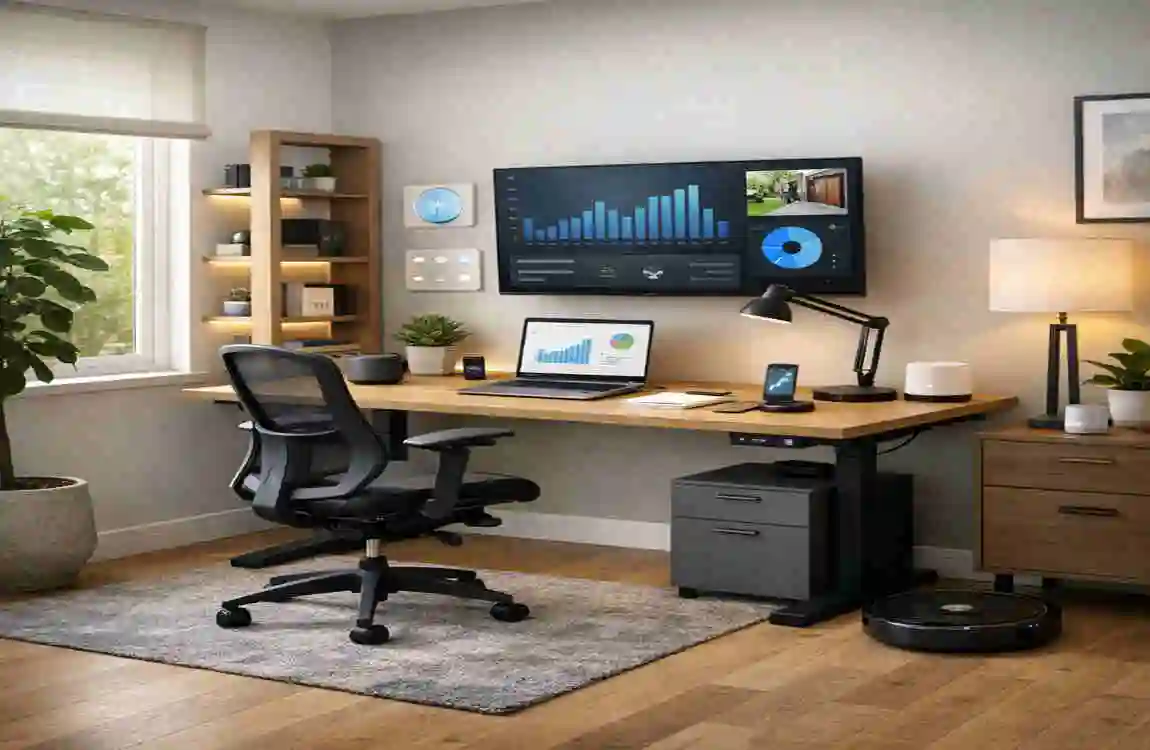
The trends of 2026 are all about making technology feel natural. We are moving away from “cold” tech and toward “warm,” integrated solutions that feel like a part of the luxury home.
Biophilic Elements and Smart Glass
One of the most exciting trends is biophilic office design. This involves bringing the outdoors in. By using smart planters that monitor soil health and smart glass that adjusts its tint based on the sun’s position, you can enjoy natural light without the glare Studies show that adding these natural elements can lead to a 15% to 20% boost in mood and focus Hybrid Flexibility and Modular Layouts Since many of us don’t have a dedicated room for an office, modular walls and Murphy desks (desks that fold into the wall) are becoming essential These allow a guest bedroom or a living room corner to transform into a professional hub in seconds. IoT hubs can now manage these multi-use spaces, switching the room’s “Mode” from “Relax” to “Work” with a single voice command.
AI Automation and Occupancy Sensors
AI is the brain of the 2026 office. Occupancy sensors can detect when you enter the room and automatically trigger your preferred lighting and temperature settings. Adaptive lighting changes colour temperature throughout the day—cool blue light in the morning to boost energy, and warm amber in the evening to help you wind down.
TrendKey FeatureProductivity Impact
Biophilic Design Smart planters, circadian LEDs +20% focus
Modular Layouts, Foldable desks, IoT hubs, Space savings 30%
AI Integration Voice presets, haptic feedback, reduces setup time 50%
Essential Smart Home Office Design Ideas
Now that we know why it matters, let’s look at the specific tools you can use to build your dream setup.
Ergonomic Smart Desks
The centrepiece of any smart home office design is the desk. In 2026, we have moved beyond simple sit-stand buttons. Modern ergonomic brilliant desks feature app controls that let you set schedules for switching between sitting and standing. Some even use kinetic energy to power small devices, meaning your movement actually helps charge your phone.
Another great feature is haptic feedback. Your desk can gently vibrate to remind you to change your posture or take a break. This is much less intrusive than a loud alarm on your phone and keeps you in the “flow” of your work.
Lighting and Climate Control
Lighting is the most underrated part of a home office. Using IoT bulbs that sync to the time of day (circadian lighting) can help keep your energy levels stable. You should also look into 6-enabledWi-Fi 6-enabled lighting systems, which offer seamless control without lag or connection drops.
For climate, you can link your voice assistant (like an updated Alexa or Google Home) to your blinds and HVAC system. If the afternoon sun starts making the room too hot, your smart blinds can automatically close to keep things cool, saving you from a mid-afternoon energy slump.
Tech Integration Hubs
Managing five different chargers and three different monitors is a headache. A central IoT platform can act as a hub for everything from your monitors to your VR headsets and AR holograms. These hubs allow you to switch between “Monitor Mode” for spreadsheets and “AR Mode” for collaborative meetings with a single tap.
Don’t forget about cable management. Use innovative mounts that hide wires and provide wireless charging spots directly on the surface of your furniture. A clean desk leads to a clean mind.
Storage and Space Optimisation
If you are working in a small apartment, you need to think vertically. Wall-mounted modular shelves can hold your tech gear without taking up floor space. You can even find fold-flat monitors that tuck away when the workday is over. Many apps now offer AI-optimised layouts, where you can take a photo of your room and the app will suggest the best place to put your furniture for maximum light and efficiency.
Budget Breakdown for Smart Home Office Design
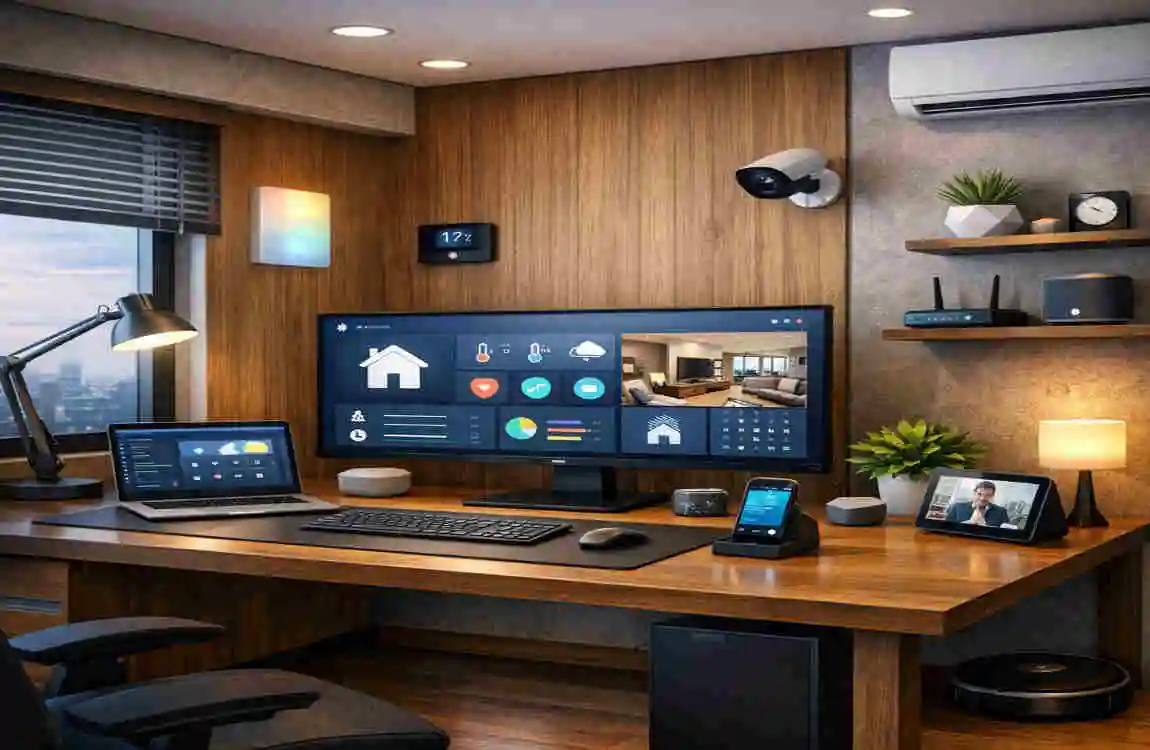
You don’t need to spend a fortune to get started. You can build your smart office in stages depending on your budget.
Budget LevelKey ItemsTotal Cost (USD)
Starter (<$500) Smart bulb kit, basic laptop stand, cable organisers $300
Mid ($500-$2k) Adjustable smart desk, IoT hub, ergonomic chair $1,200
Premium (>$2k) Haptic desk, full AI automation, smart glass $3,500
Step-by-Step Setup Guide
Ready to build? Follow these steps to ensure your smart home office design is a success:
- Assess Your Space: Measure your smart room carefully. Look for where the natural light comes in and where your power outlets are located. Install the Core Tech: Start with your IoT hub and your desk. These are the “bones” of your office. Calibrate Ergonomics: Use an app to find the perfect desk and chair heights for your body. Your elbows should be at 90 degrees, and your eyes should be level with the top of your monitor.
- Automate Your Environment: Link your lighting, sensors, and climate control to your hub. Create “scenes” like “Focus Time” or “Video Call” Test and Tweak: Spend a full workday in the space. Is the light too bright at 2 PM? Is the chair height slightly off? Make minor adjustments until it feels perfect. Future-Proofing Your Setup.
